IMAGE RESIZER
Resize by longest side or exact dimensions
Use 1920px, 1080px, 800px, or custom dimensions; choose contain, cover, or stretch deliberately, then download only decoded results.
Loading…
Useful for
- Matching an upload portal's pixel dimensions
- Reducing oversized camera photos before compression
- Making a batch share one output canvas size
Limits and failures
- Stretch changes the original proportions and can distort faces or text.
- Contain adds background space when the aspect ratios differ.
- Large batches can exceed mobile memory; split the queue and retry failed files.
Inspect the input and output
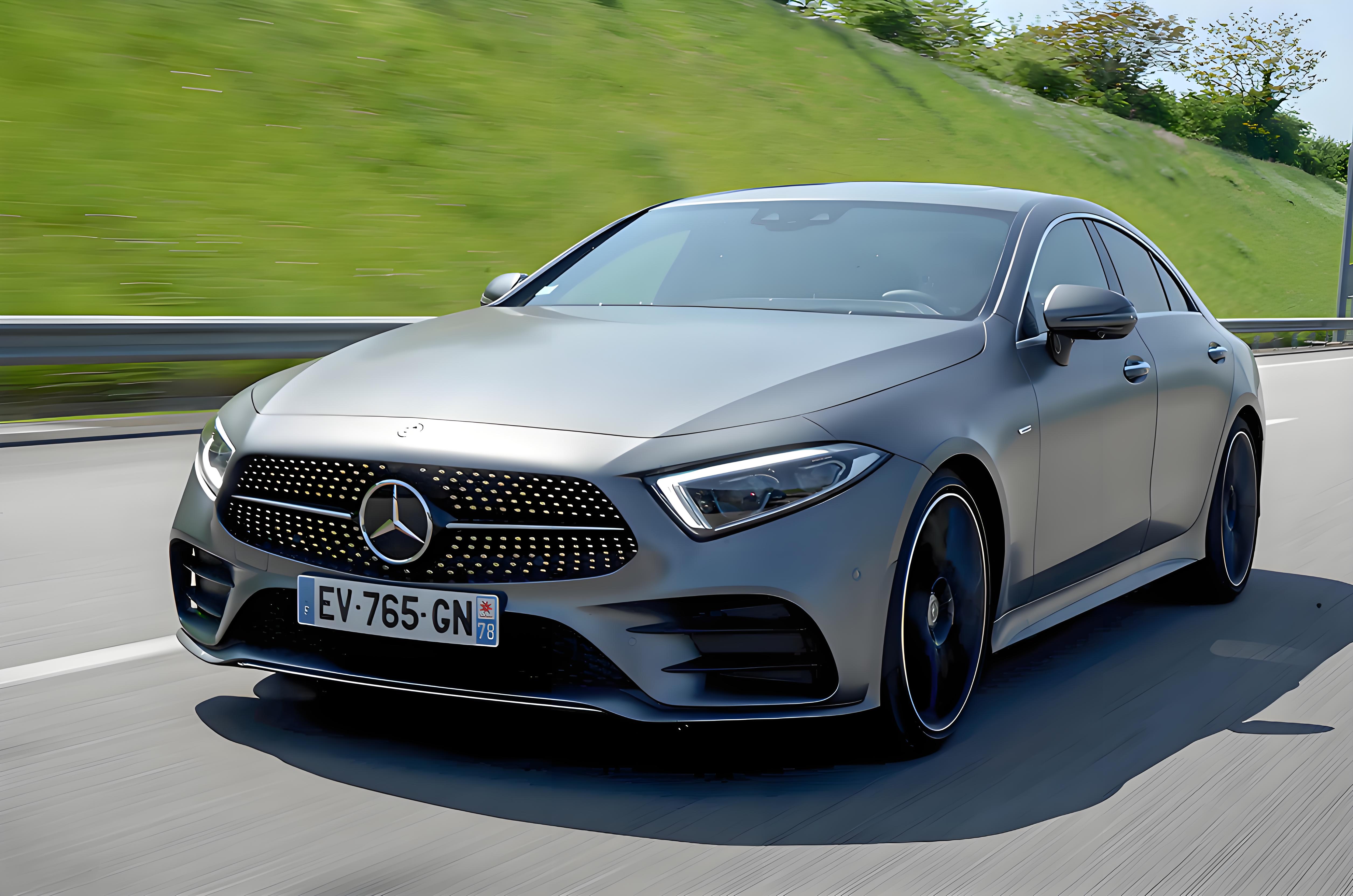
5024×3328 · 1003.57KB · download
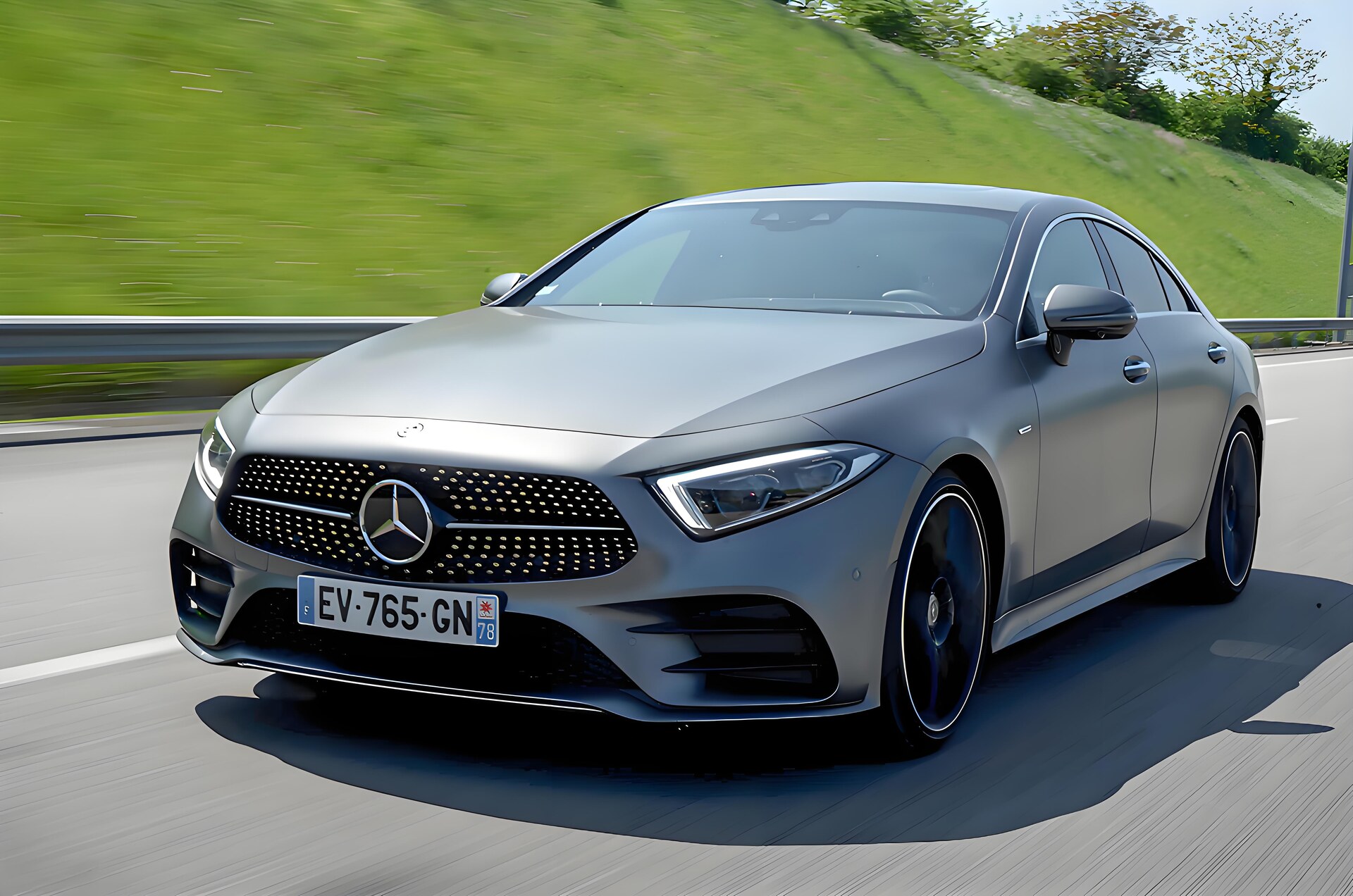
1920×1272 · 371.64KB · download
Observed result
Output measures 371.64KB and decodes successfully.
The source is auto-oriented, resized to a 1920px longest side, encoded, measured, and decoded.Common questions
Does resizing preserve the aspect ratio?
Longest-side presets preserve it. Custom dimensions offer contain, cover, or stretch; choose contain or cover to avoid distortion.
Is the output checked?
Yes. Each exported Blob is decoded again before it is shown as a successful result.
What happens to metadata?
Canvas re-encoding normally omits source metadata. Use the metadata checker when a privacy claim must be verified explicitly.
Related tasks
Popular next steps from PixCloak guides and tools.
Top guides
Does WeChat remove EXIF?Remove photo GPS dataCompress under 100KBCompress under 200KBFix HEIC upload errorsWebP vs JPEG samplesRedact an ID card safely