IMAGE COMPRESSOR
Compress to a hard KB limit
Choose JPEG, WebP, or PNG and an exact maximum size. PixCloak lowers quality first, then dimensions, and never labels an over-limit result as successful.
Loading local compressor…
Useful for
- Meeting 100KB, 200KB, 500KB, or 1MB portal limits
- Reducing a batch while keeping per-file failure details
- Comparing JPEG, WebP, and PNG under the same cap
Limits and failures
- Complex photographs can require smaller dimensions at very low targets.
- PNG is often inefficient for photographic content.
- A portal may also enforce dimensions, aspect ratio, or filename rules.
Inspect the input and output
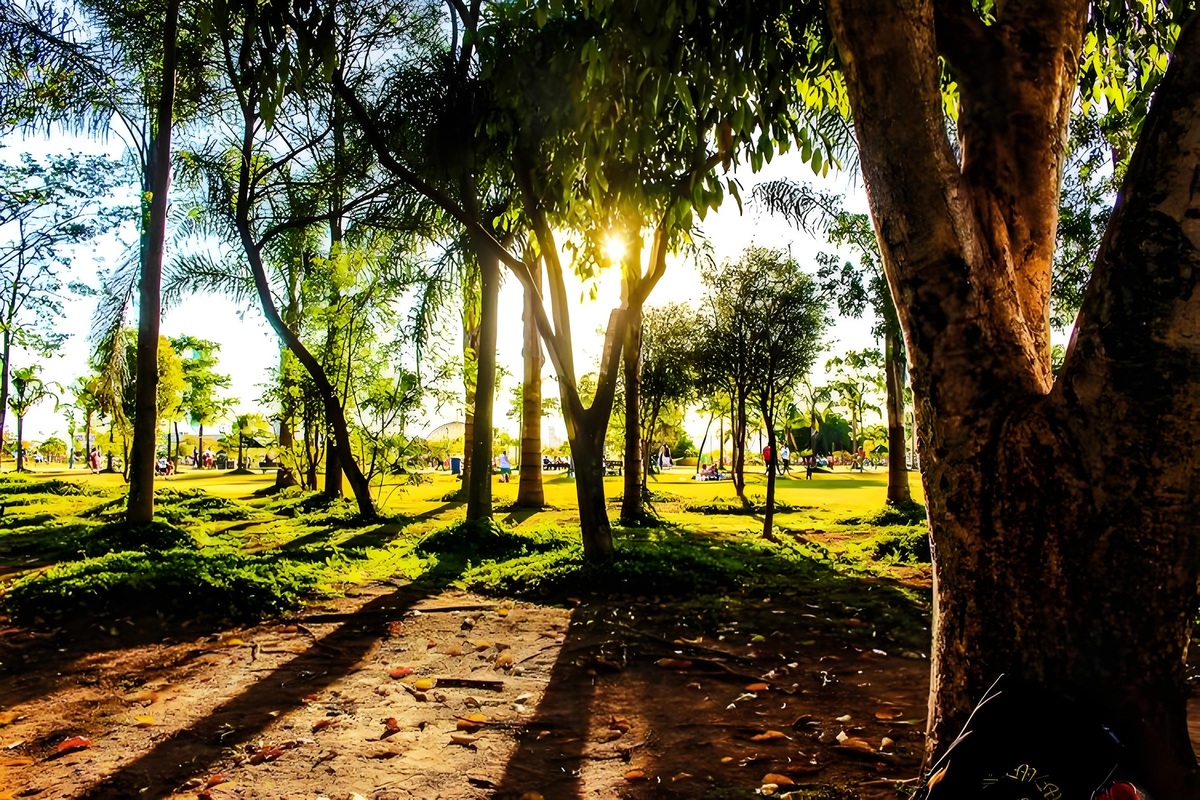
1200×800 · 530.15KB · download
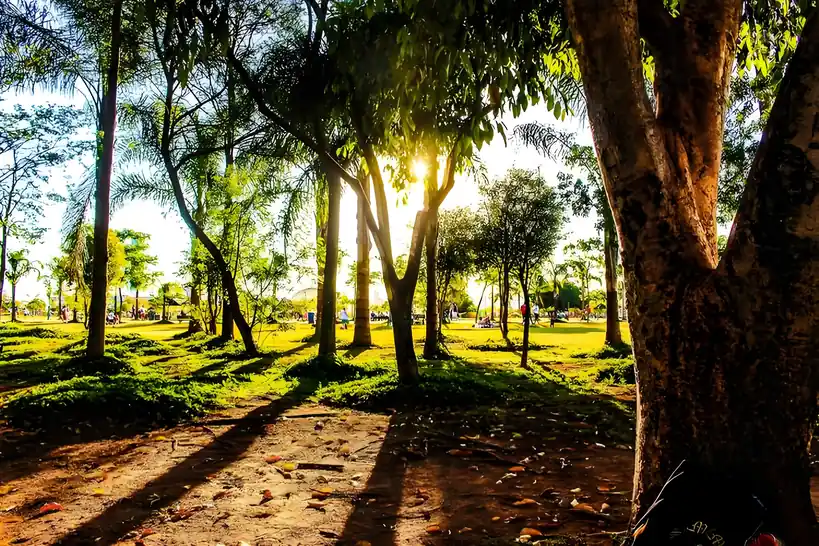
819×546 · 91.66KB · download
Observed result
Actual output is 91.66KB at encoder quality 40; it decodes successfully.
Re-encoded locally and rejected until the file measured at or below 102400 bytes.Common questions
Can a successful result exceed the target?
No. The encoder checks the final Blob size and rejects an output above the selected byte cap.
What if lowering quality is not enough?
The shared engine reduces dimensions and retries. If the configured minimum dimension would be crossed, it returns a clear failure instead of an oversized file.
Is the source image uploaded?
No. Decode, resize, encode, and verification happen in this browser. Optional consented analytics and advertising are separate and never include the image or filename.