Prepare images privately for safer sharing and upload.
Redact sensitive details, remove hidden metadata, convert formats, and meet file-size limits—without sending the image to a server.
Core workflows for sharing and upload
Remove visible and hidden private information
Draw permanent redactions, export without metadata, and review the verification result.
Open Safe Share →UPLOAD READYMeet a portal's size and format requirements
Choose the limit, process a batch, and download only results that pass the final check.
Open Upload Ready →SPECIALIZED FORM WORKFLOWPrepare a photo and signature together
Enter two sets of pixel, format, and KB requirements, then download only the pair that passes every final check.
Open Photo + Signature Pack →Fix one specific problem
Keep your regular tools one click away
Install PixCloak once, then open it from your desktop, Start menu, or home screen without typing the address again.
The install option appears after a completed download or a return visit. An internet connection is still required to load the tools.
- Faster return
Open a focused app window instead of finding the website again.
- Four direct entries
Jump straight to safe sharing, upload preparation, PDF export, or PDF creation.
- Same private processing
Installing the app does not upload an image or create an account.
- Always current
The launcher opens the maintained web version, so there is no separate installer to update.
The image is processed by your browser
The editing and export pipeline runs on this device. The website may load disclosed analytics or advertising only after the applicable consent choice; those services do not receive the image file from PixCloak.
See exactly what the site records →- 1Select a file from this device.
- 2The browser decodes and processes it locally.
- 3The exported result is decoded and checked again.
Redaction is flattened into the exported image
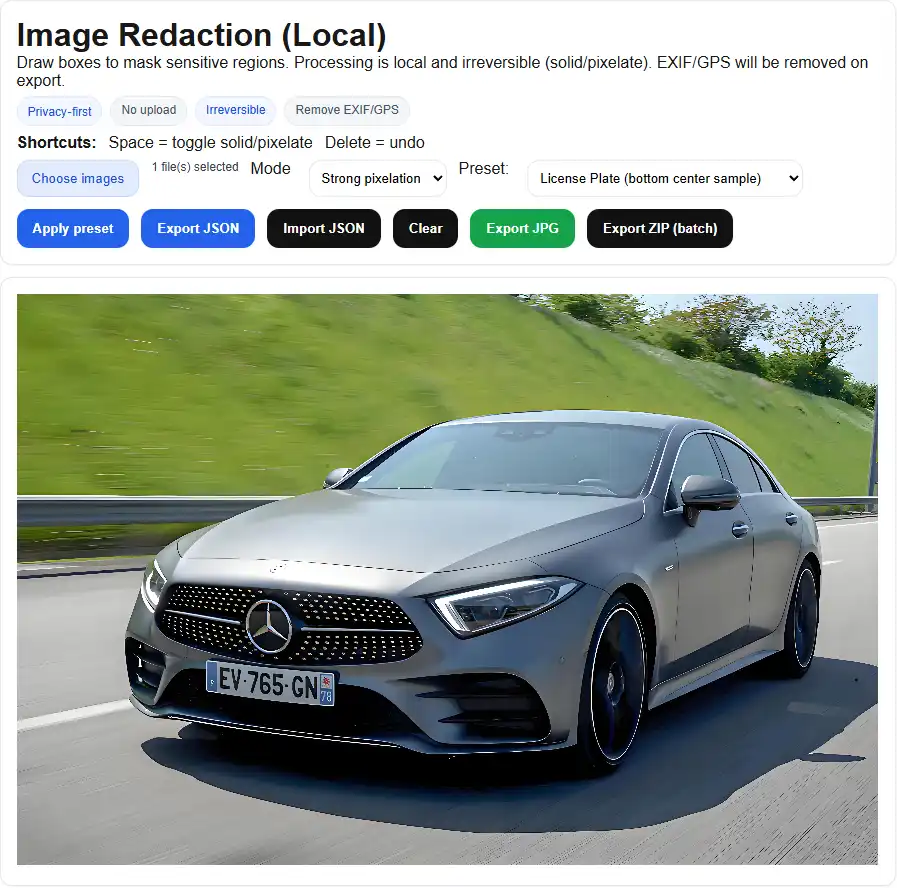
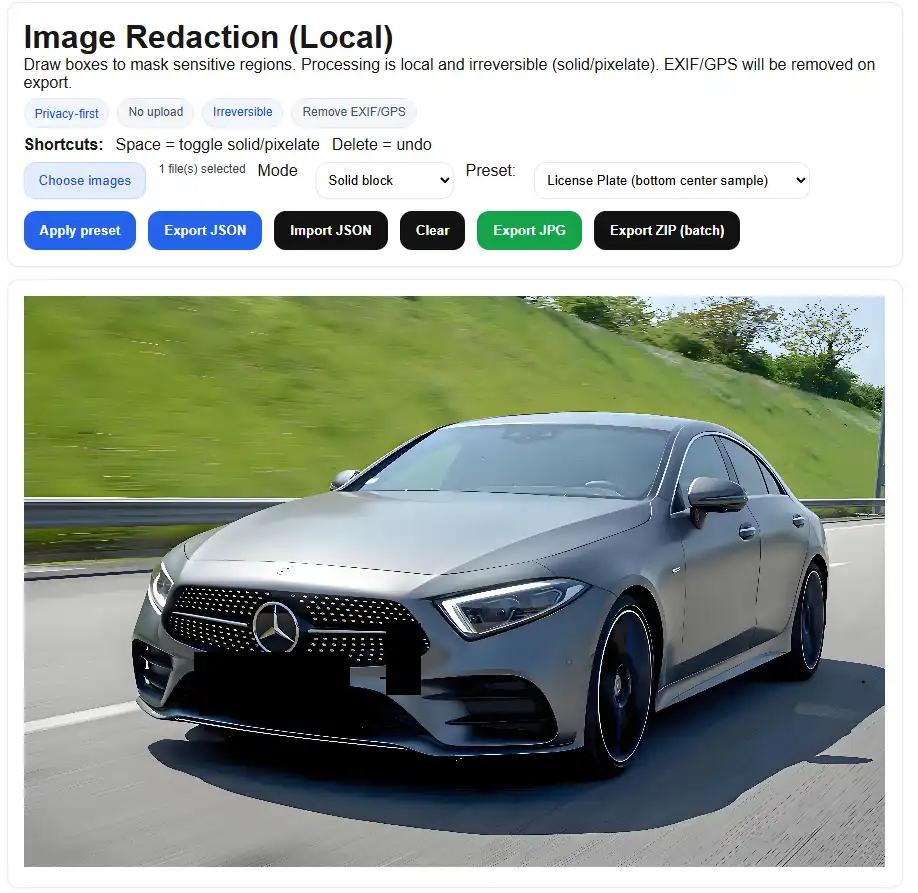
Supported in V1.0
JPG, PNG, WebP, and HEIC workflows; hard KB caps; permanent redaction; metadata cleanup; photo-and-signature preparation; PDF page export; image-to-PDF creation; and post-export verification.
Automatic face, plate, text, and QR detection is intentionally reserved for V1.1.
Common questions
Are images uploaded?
No. The image editing pipeline runs locally in the browser.
Can a result exceed the selected KB limit?
No successful result is offered above a hard limit. If necessary, dimensions are reduced; otherwise the tool reports a failure.
Does local processing mean there is no analytics or advertising?
No. The privacy page separately discloses website analytics, advertising, and consent behavior. Image bytes are not included in those events.