FORMAT CONVERTER
Convert between PNG and JPEG
Choose the correct background for transparent PNG pixels, adjust JPEG quality, process a batch, and download only outputs that reopen successfully.
PNG ↔ JPG Converter
Higher quality = larger file size, better image quality
Custom
Useful for
- Changing a PNG photo to a portal-compatible JPEG
- Flattening transparency onto a deliberate background
- Creating a lossless PNG container from an existing JPEG
Limits and failures
- JPEG cannot preserve transparency.
- PNG can be much larger for photographs.
- Conversion cannot restore detail lost in the source file.
Inspect the input and output
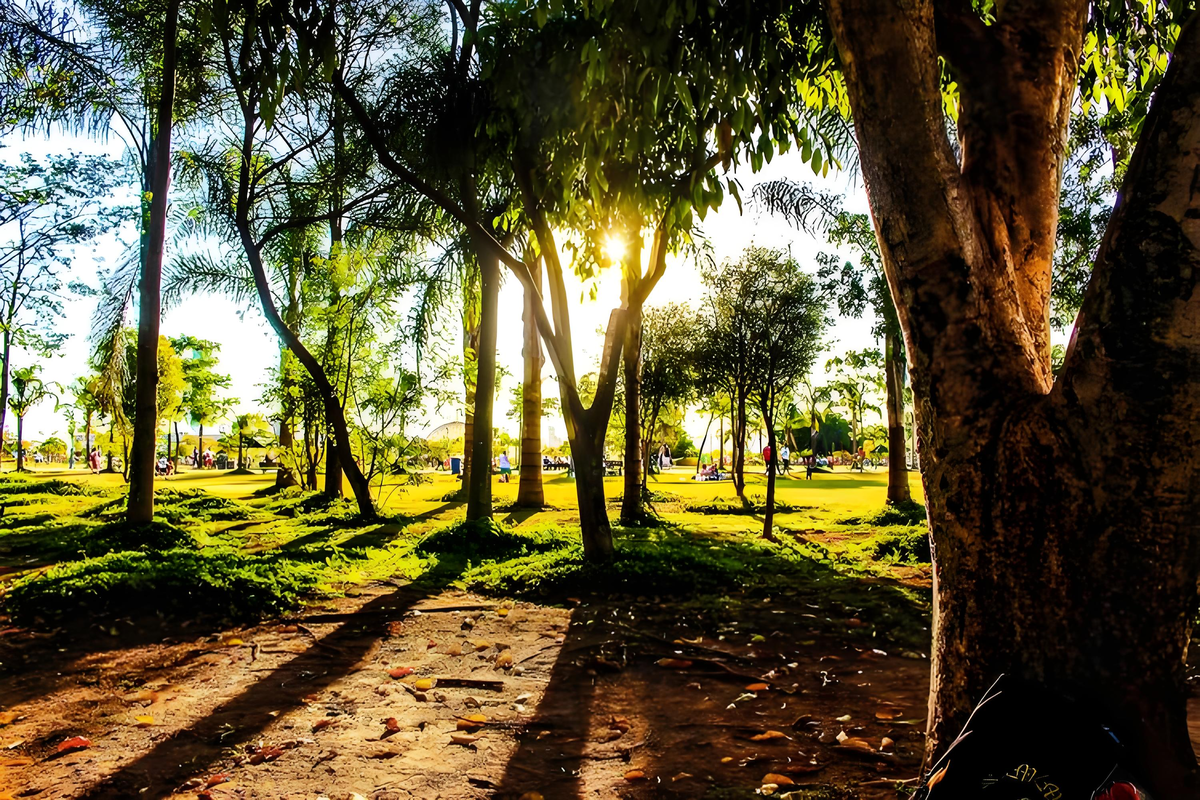
1200×800 · 1.88MB · download
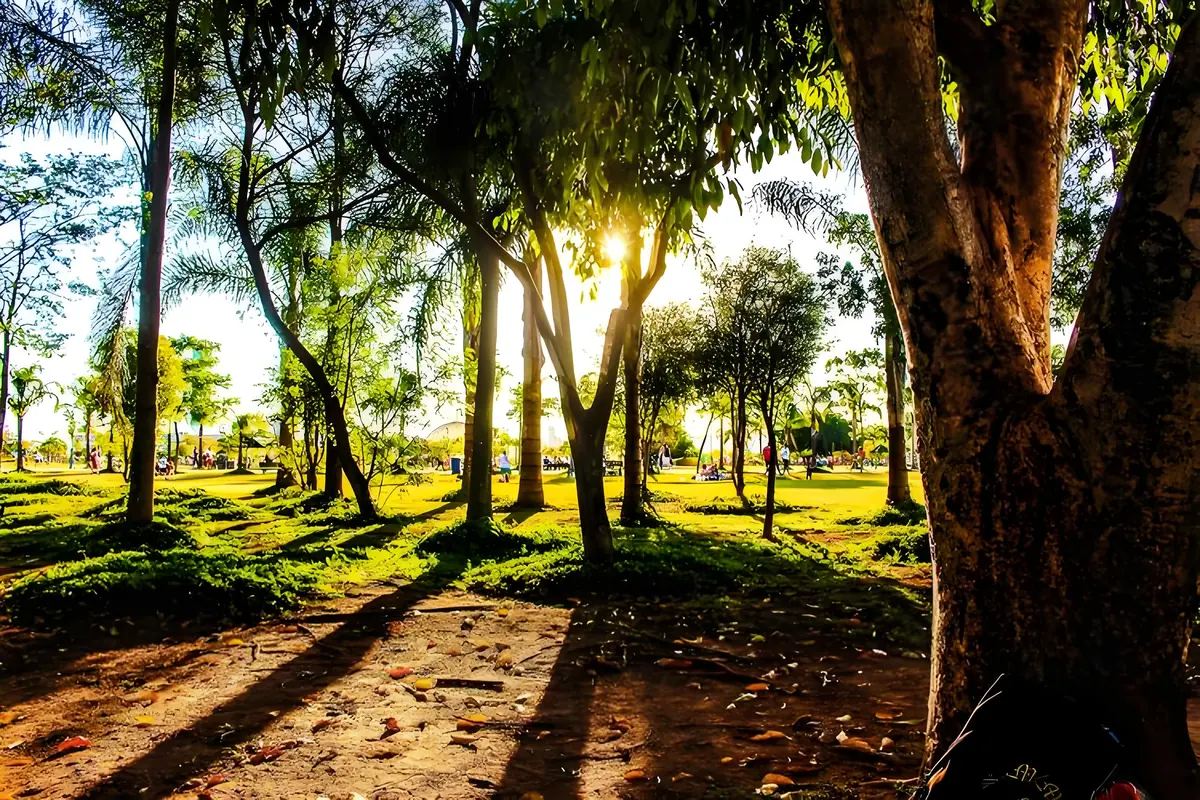
1200×800 · 243.72KB · download
Observed result
Dimensions stay 1200×800 while bytes change from 1925.7KB to 243.7KB.
The same decoded pixels are exported as PNG and WebP, then measured and decoded.Common questions
What happens to PNG transparency in JPEG?
JPEG has no alpha channel. Choose the background color that should replace transparent pixels before conversion.
Will JPG to PNG restore lost quality?
No. PNG prevents additional lossy JPEG encoding, but it cannot recover detail already removed from the source.
How is a successful conversion verified?
The shared image engine reopens every exported Blob and rejects any result the browser cannot decode.
Related tasks
Popular next steps from PixCloak guides and tools.
Top guides
Does WeChat remove EXIF?Remove photo GPS dataCompress under 100KBCompress under 200KBFix HEIC upload errorsWebP vs JPEG samplesRedact an ID card safely