Compress an Image to Under 200KB
Use a hard 200KB limit instead of guessing a quality slider value.
Use the verified 200KB presetDirect answer
A quality percentage does not correspond to one file size. Use a byte target, then verify the exported Blob is no larger than 204,800 bytes and can be decoded before download.
This guide's before-and-after files
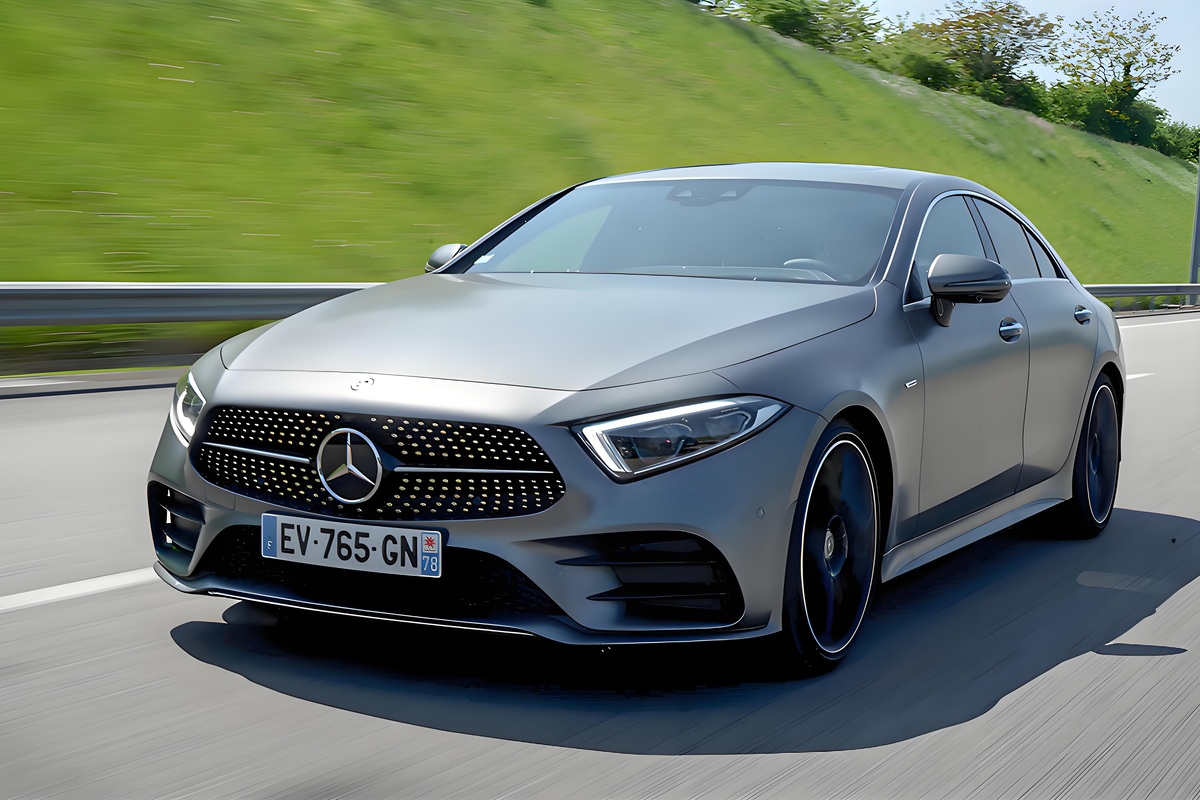
1200×800 · 245.22KB · download file
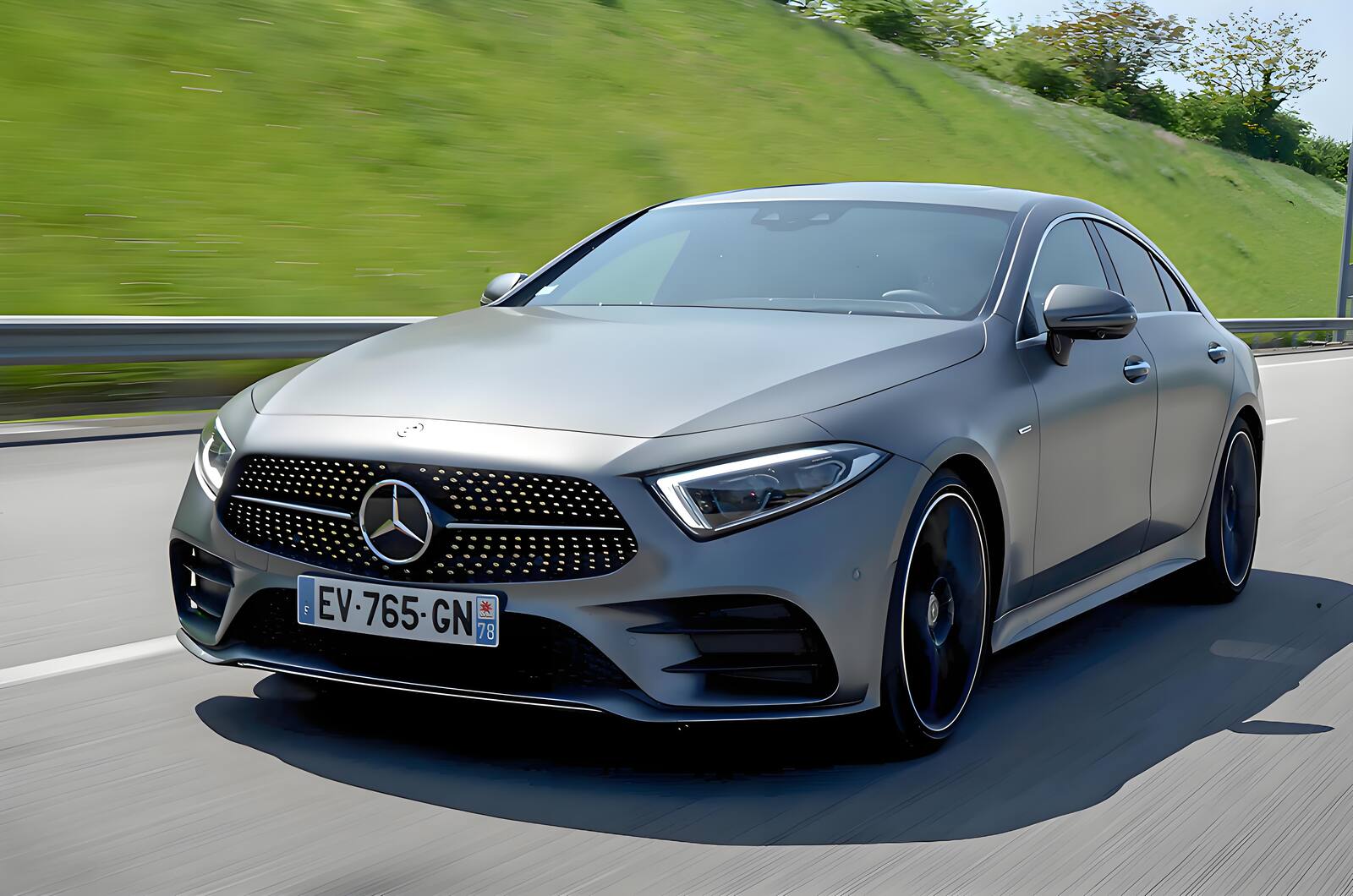
1600×1060 · 173.82KB · download file
Actual output is 173.82KB at encoder quality 72; it decodes successfully.
Re-encoded locally and rejected until the file measured at or below 204800 bytes.Validation date: 2026-07-18. Both files are downloadable; dimensions, byte counts, decodability, and distinct SHA-256 hashes are checked by the repository test suite.
Use the verified workflow
- Select 200KB and the portal's accepted format.
- Optionally cap the longest side first.
- Check target, actual size, format, dimensions, quality, and verified status.
Limits and failure cases
- Some portals use decimal 200,000-byte limits; choose a slightly lower custom target if needed.
- The portal may also enforce pixel dimensions or aspect ratio.
Official sources and verification
Tool behavior and samples were checked on 2026-07-18. External references:
Common question
Does PixCloak upload the source image?
No. The editing pipeline uses browser File, Canvas, and Blob APIs on this device. Optional analytics and advertising are separate and load only after the applicable consent choice; product events never include image bytes or filenames.