WebP vs JPEG with Downloadable Samples
Compare real downloadable outputs instead of relying on one universal compression claim.
Convert and compare your imageDirect answer
WebP often produces fewer bytes at a similar visual quality, while JPEG remains a conservative compatibility choice. Test the actual image because texture, noise, gradients, and browser encoders change the result.
This guide's before-and-after files
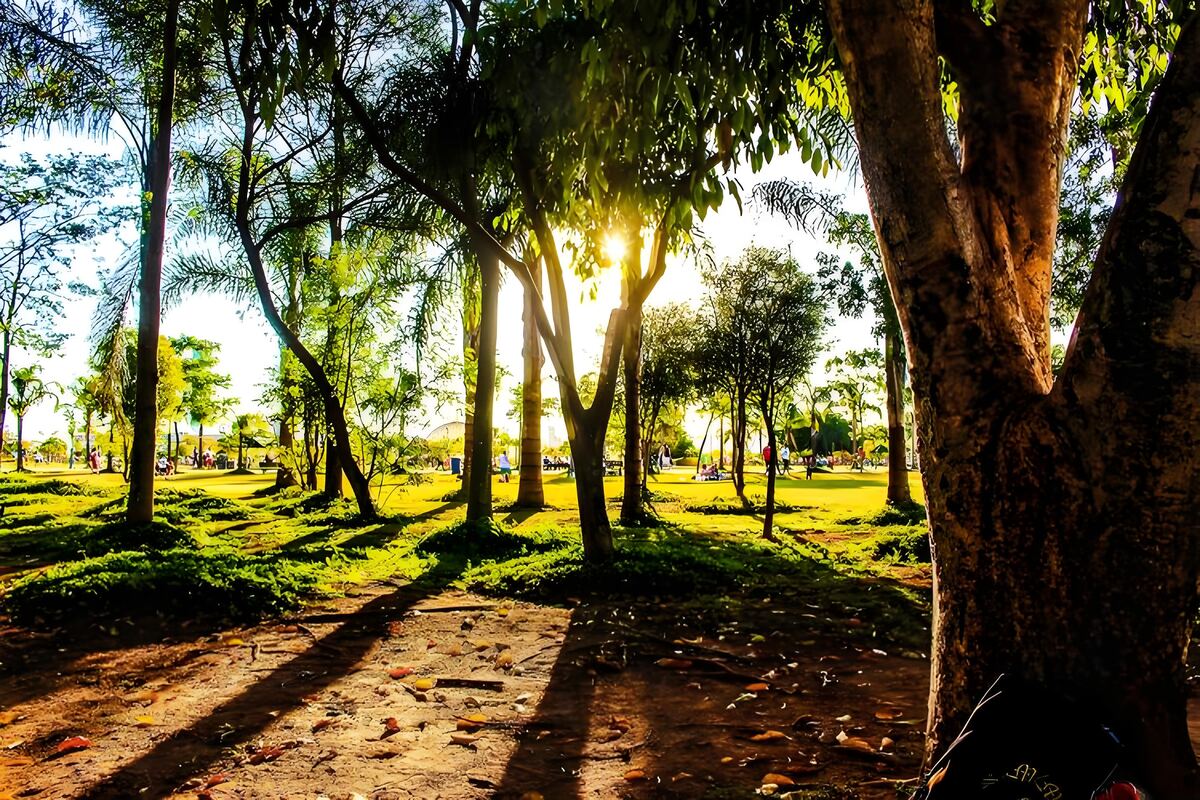
1200×800 · 300.60KB · download file
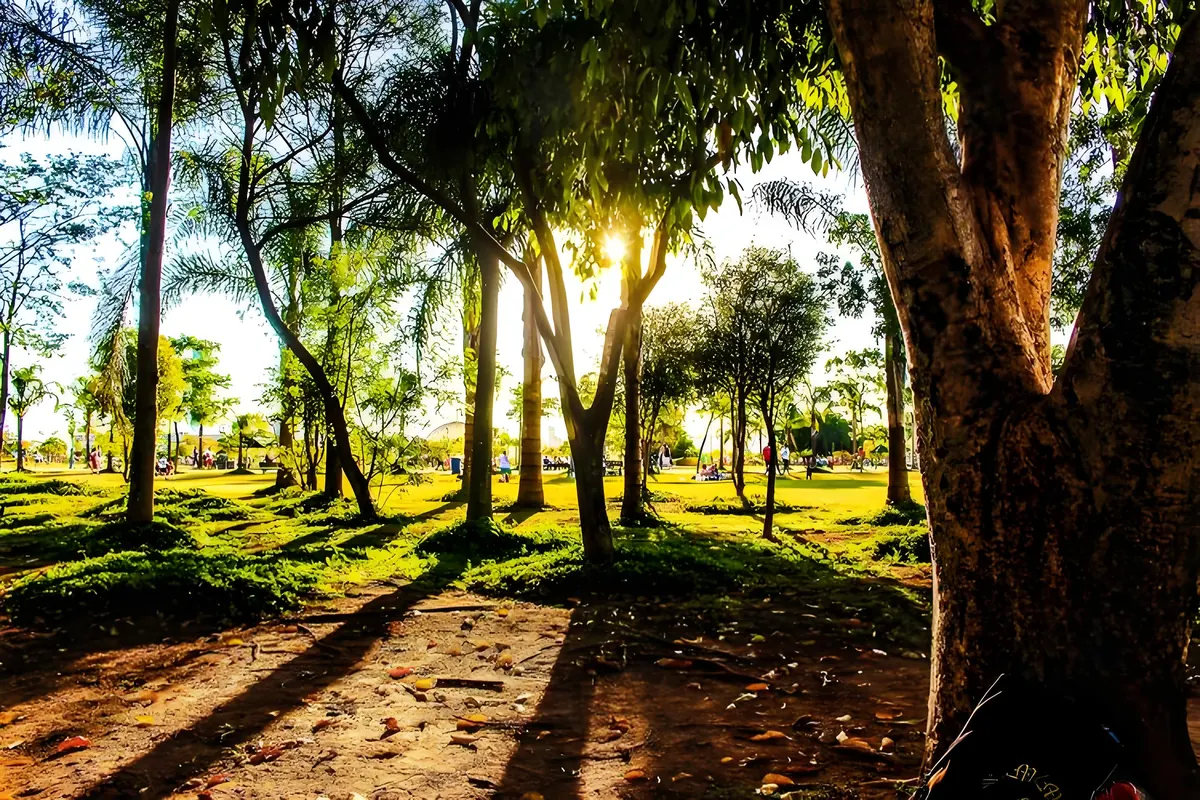
1200×800 · 260.59KB · download file
JPEG is 300.6KB; WebP is 260.6KB for this source.
The same 1200×800 decoded source is encoded at the same numeric quality setting; this is a sample, not a universal benchmark.Validation date: 2026-07-18. Both files are downloadable; dimensions, byte counts, decodability, and distinct SHA-256 hashes are checked by the repository test suite.
Use the verified workflow
- Encode the same source at comparable visual quality.
- Compare bytes and inspect edges, text, gradients, and fine texture at 100%.
- Choose the format that meets both compatibility and quality requirements.
Limits and failure cases
- The samples are illustrative, not a universal benchmark.
- Browser canvas encoders may differ from build-time image pipelines.
Official sources and verification
Tool behavior and samples were checked on 2026-07-18. External references:
Common question
Does PixCloak upload the source image?
No. The editing pipeline uses browser File, Canvas, and Blob APIs on this device. Optional analytics and advertising are separate and load only after the applicable consent choice; product events never include image bytes or filenames.