Why an Upload Portal Rejects Your Image
Separate file-size, pixel-dimension, aspect-ratio, format, corruption, and filename failures.
Match the portal requirementsDirect answer
A small file can still have the wrong dimensions or format. Match every stated requirement, use a simple filename, and verify that the exported image decodes before trying again.
This guide's before-and-after files
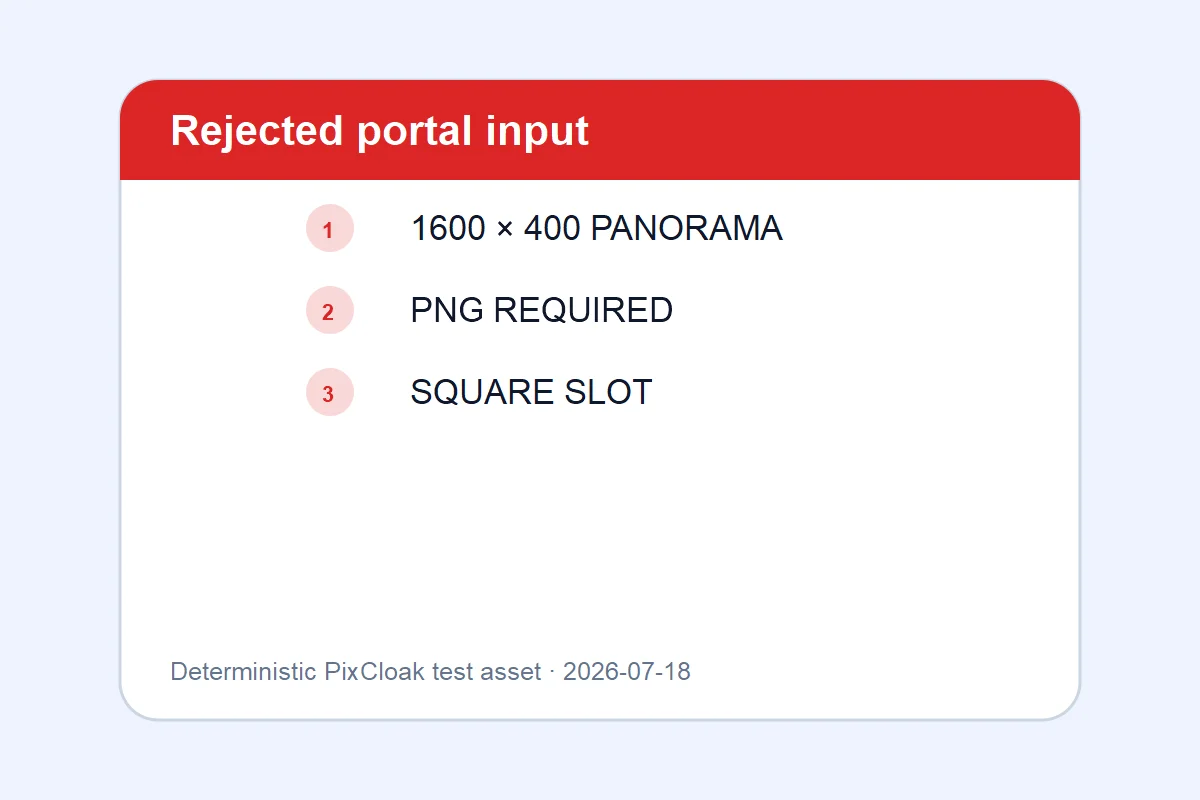
1200×800 · 22.92KB · download file
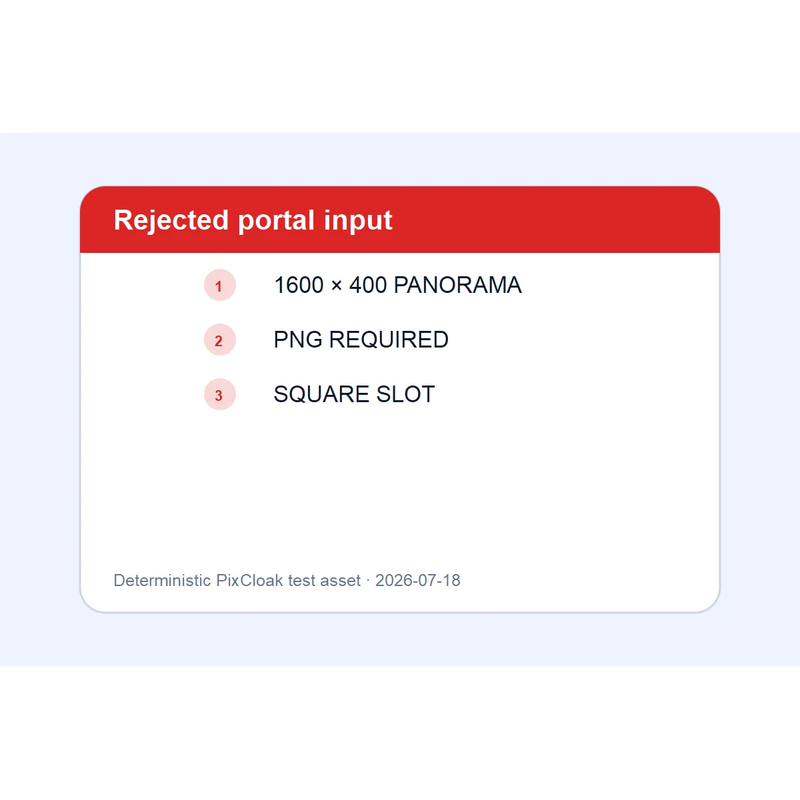
800×800 · 71.94KB · download file
The corrected output matches the example format and square-dimension rule.
A deterministic wide input is converted to PNG and placed on an exact 800×800 canvas.Validation date: 2026-07-18. Both files are downloadable; dimensions, byte counts, decodability, and distinct SHA-256 hashes are checked by the repository test suite.
Use the verified workflow
- Record the maximum bytes, allowed formats, dimensions, and aspect ratio.
- Apply those requirements together rather than changing one value at a time.
- Use the verified output and retry with a plain ASCII filename if the portal is old.
Limits and failure cases
- PixCloak cannot inspect undocumented server-side portal rules.
- A portal can reject color profiles, animation, or account state for reasons unrelated to image size.
Official sources and verification
Tool behavior and samples were checked on 2026-07-18. External references:
Common question
Does PixCloak upload the source image?
No. The editing pipeline uses browser File, Canvas, and Blob APIs on this device. Optional analytics and advertising are separate and load only after the applicable consent choice; product events never include image bytes or filenames.