Prepare Images for Core Web Vitals
Reduce LCP risk with correctly sized assets, efficient formats, explicit dimensions, and a stable page layout.
Resize a source imageDirect answer
Serve an image close to its rendered dimensions, reserve width and height, avoid lazy-loading the likely LCP image, and compress it without making text or product detail unreadable.
This guide's before-and-after files
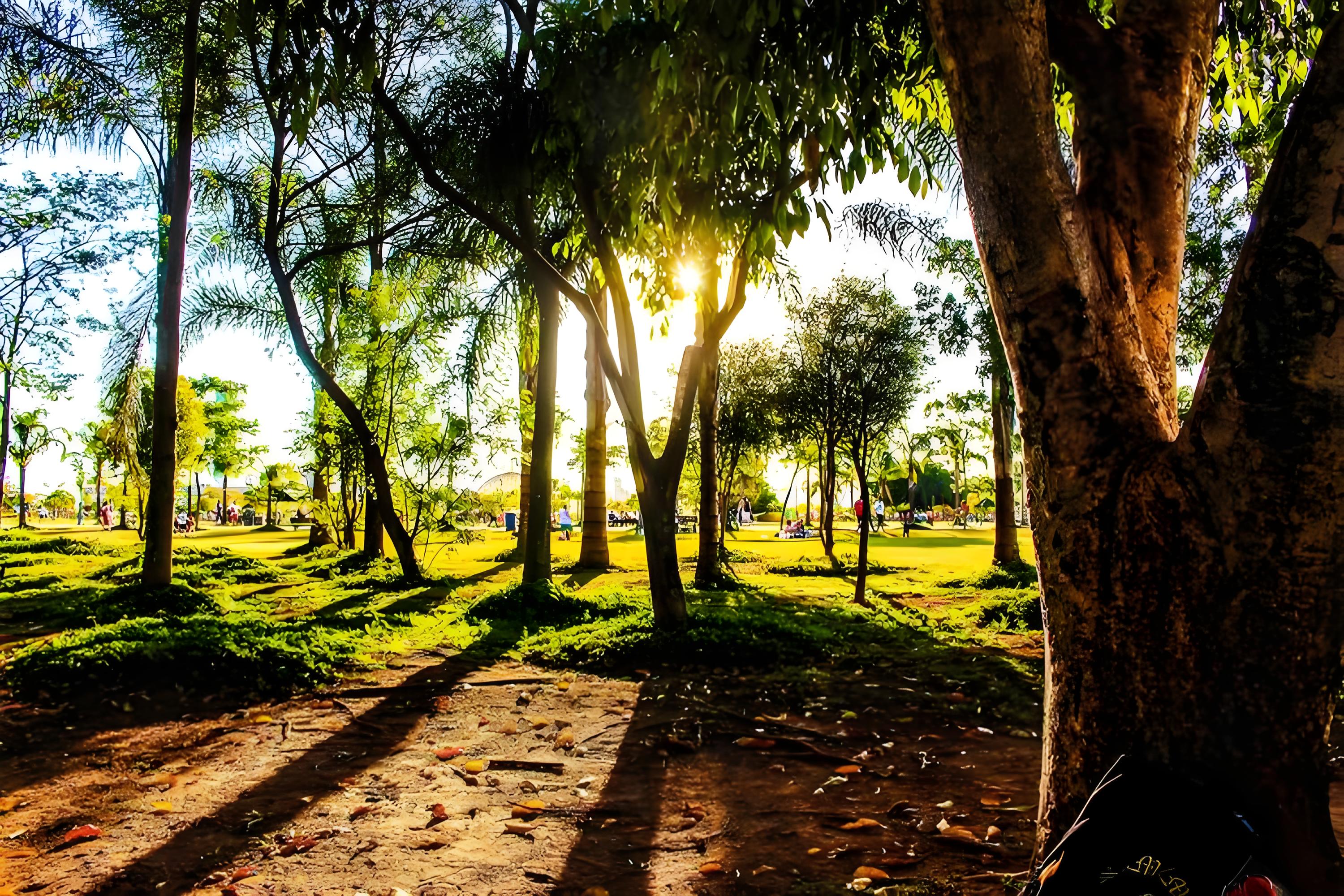
3000×2000 · 1.14MB · download file
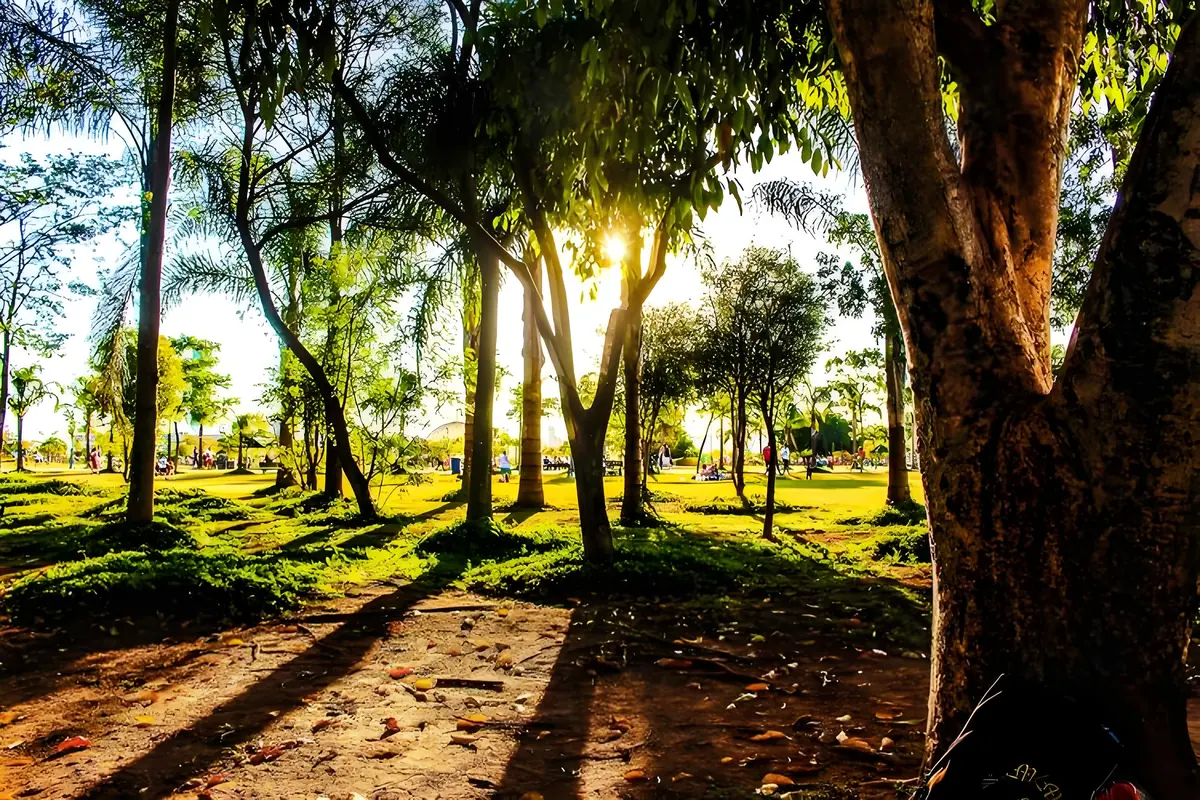
1200×800 · 243.72KB · download file
Bytes change from 1171.3KB to 243.7KB with intrinsic dimensions recorded.
The large source is resized, re-encoded, decoded, and served with explicit width and height.Validation date: 2026-07-18. Both files are downloadable; dimensions, byte counts, decodability, and distinct SHA-256 hashes are checked by the repository test suite.
Use the verified workflow
- Measure the largest rendered slot and device density you support.
- Resize and compare JPEG/WebP output for the actual source.
- Set intrinsic dimensions and verify LCP/CLS in field or lab data after deployment.
Limits and failure cases
- Image optimization alone cannot fix slow server response or render-blocking CSS.
- Lab results do not replace real-user Core Web Vitals data.
Official sources and verification
Tool behavior and samples were checked on 2026-07-18. External references:
Common question
Does PixCloak upload the source image?
No. The editing pipeline uses browser File, Canvas, and Blob APIs on this device. Optional analytics and advertising are separate and load only after the applicable consent choice; product events never include image bytes or filenames.