Export images without metadata
Short answer: Export JPEG/WebP/PNG from /compress or /redact—re‑encoding drops typical EXIF/GPS on the new file.
Last reviewed: April 2026.
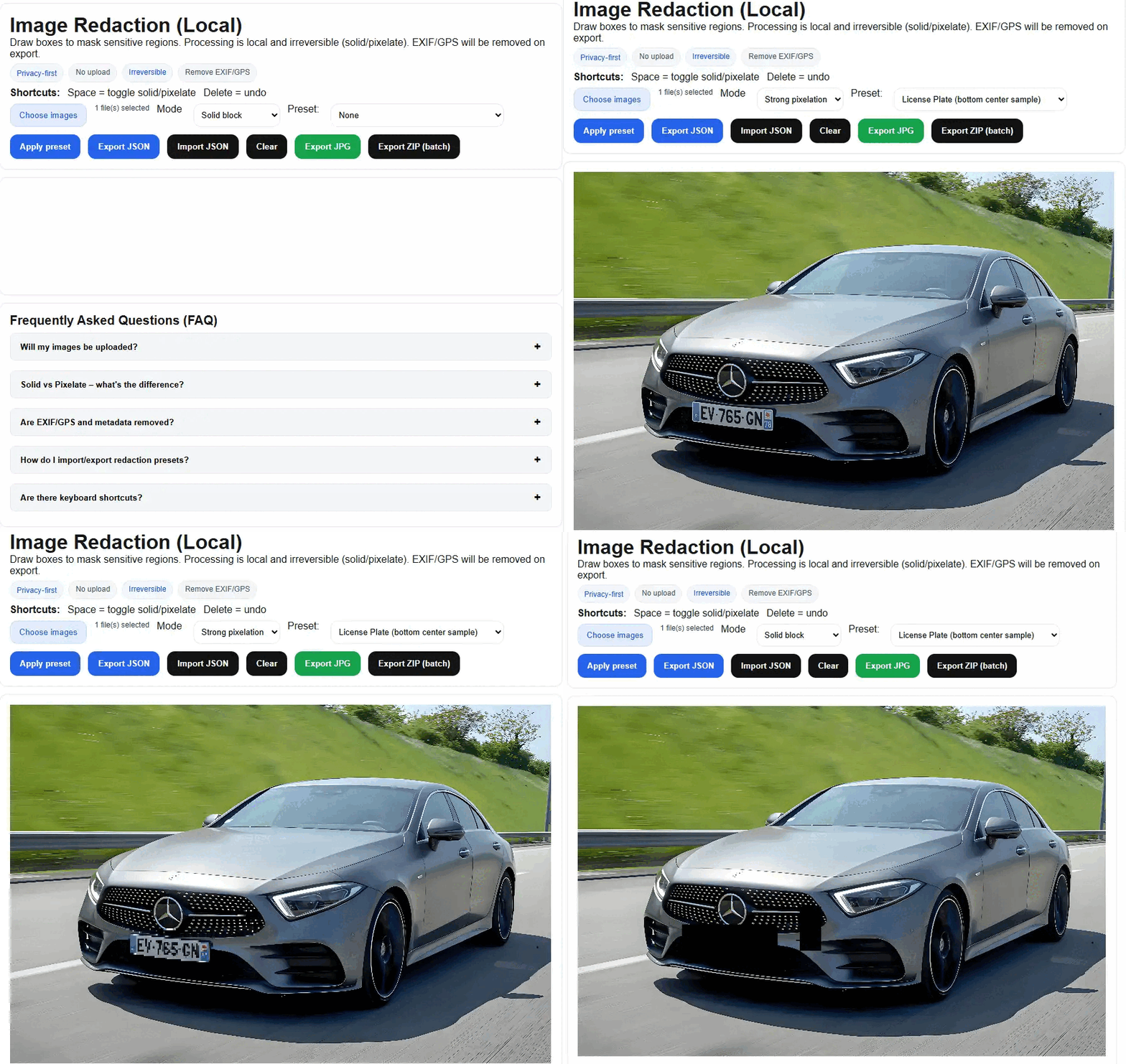
- Use /compress or /redact
- Export as JPEG/WebP/PNG — EXIF/GPS is removed on re‑encode
- Optionally verify with an EXIF viewer
All processing happens locally in your browser.
Tip: Some viewers cache old metadata; reopen the exported file to confirm it shows "no EXIF".
Related tasks
Popular next steps from PixCloak guides and tools.
Top guides
WeChat EXIF & GPS guideCompress image to 100KBCompress to 200KBTinyPNG alternative (local)Blur face online (free)Redact vs blur license plateCompress photos on iPhone