Screenshot Privacy Checklist
A final visual and metadata review before posting a chat, dashboard, map, ticket, or receipt.
Run the Safe Share checklistDirect answer
Check names, avatars, timestamps, notifications, account IDs, URLs, QR codes, map labels, browser tabs, and background windows. Then remove metadata and reopen the exported file.
This guide's before-and-after files
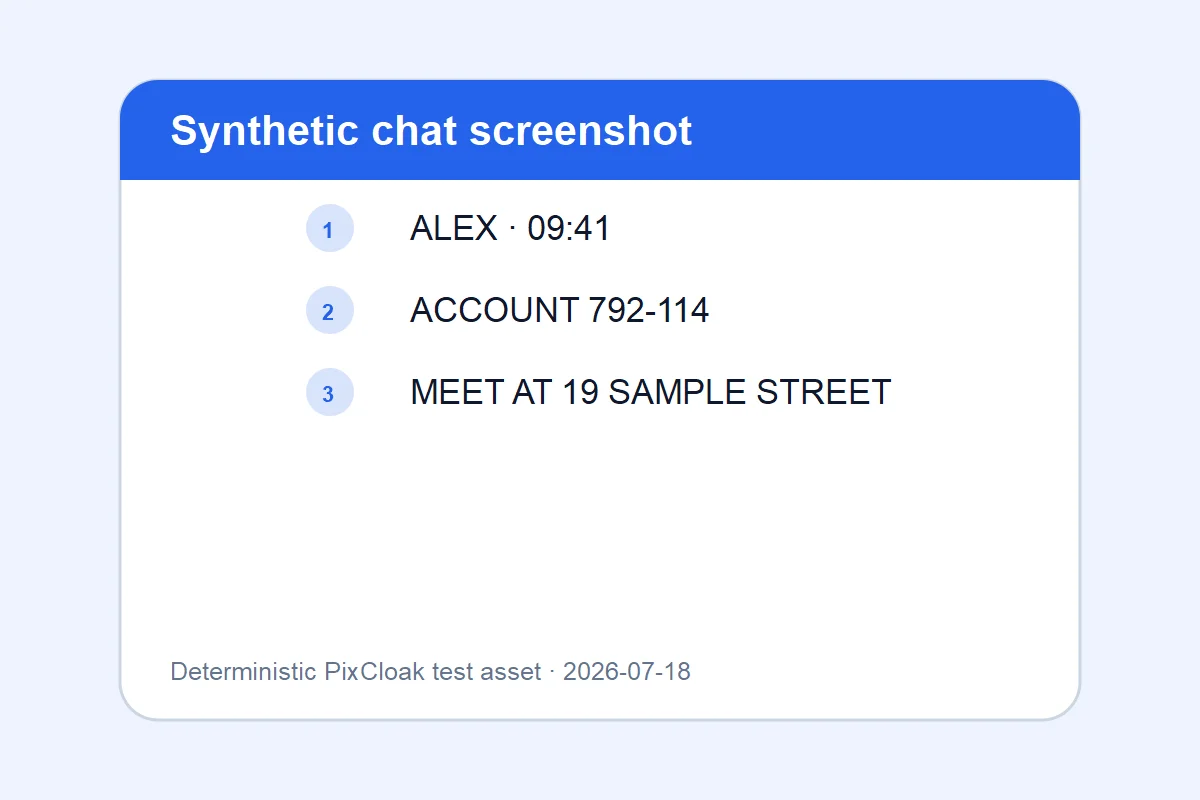
1200×800 · 24.99KB · download file
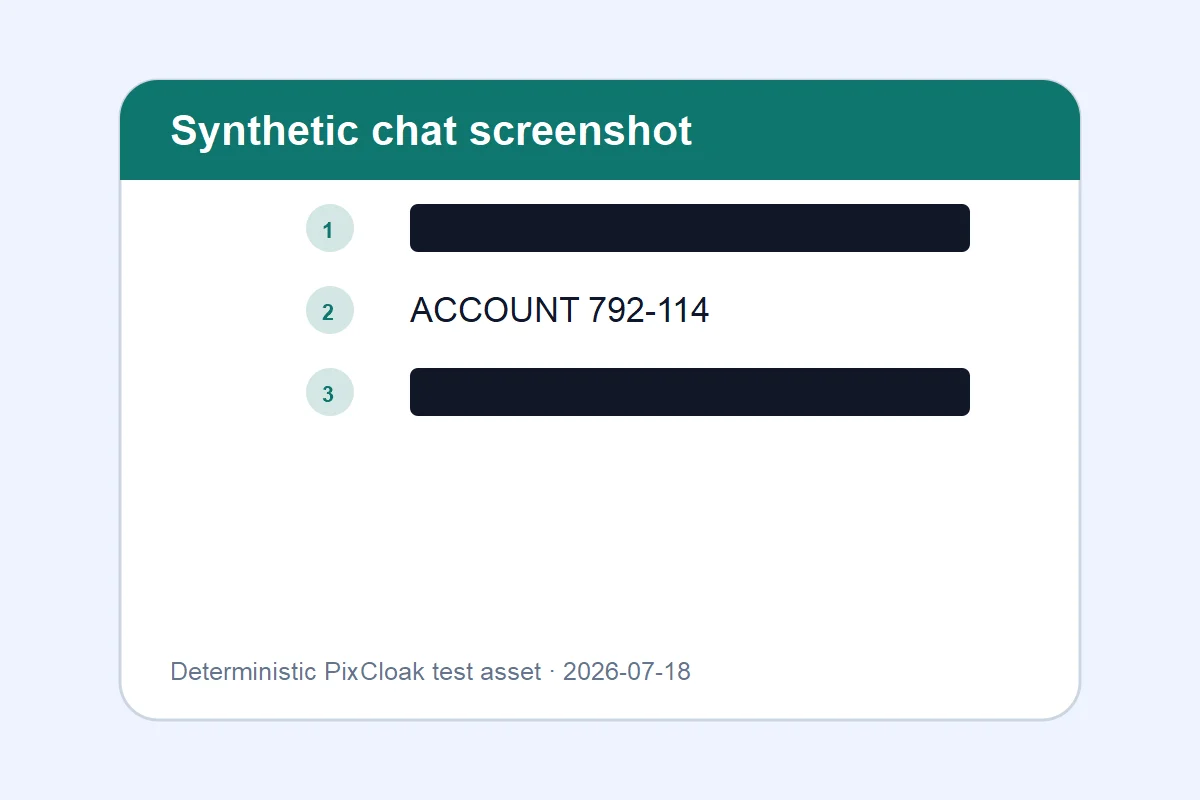
1200×800 · 18.52KB · download file
Names, account reference, and location line are covered in the reviewed export.
Both downloadable WebP files are generated from deterministic SVG test inputs; their hashes and dimensions are verified.Validation date: 2026-07-18. Both files are downloadable; dimensions, byte counts, decodability, and distinct SHA-256 hashes are checked by the repository test suite.
Use the verified workflow
- Inspect all four edges and system UI.
- Cover visible identifiers and machine-readable codes.
- Verify metadata and inspect the downloaded result at 100% zoom.
Limits and failure cases
- Redaction cannot undo information already shared.
- A screenshot can reveal identity through context even after names are hidden.
Official sources and verification
Tool behavior and samples were checked on 2026-07-18. External references:
Common question
Does PixCloak upload the source image?
No. The editing pipeline uses browser File, Canvas, and Blob APIs on this device. Optional analytics and advertising are separate and load only after the applicable consent choice; product events never include image bytes or filenames.