How to Hide Faces, Plates, and Private Text
Use a per-image review queue so one redaction layout is never copied blindly across a batch.
Start the per-image review queueDirect answer
Review each image independently. Draw boxes only after checking that image's faces, plates, names, notifications, codes, and reflected details; batch export should reject files that were not reviewed.
This guide's before-and-after files
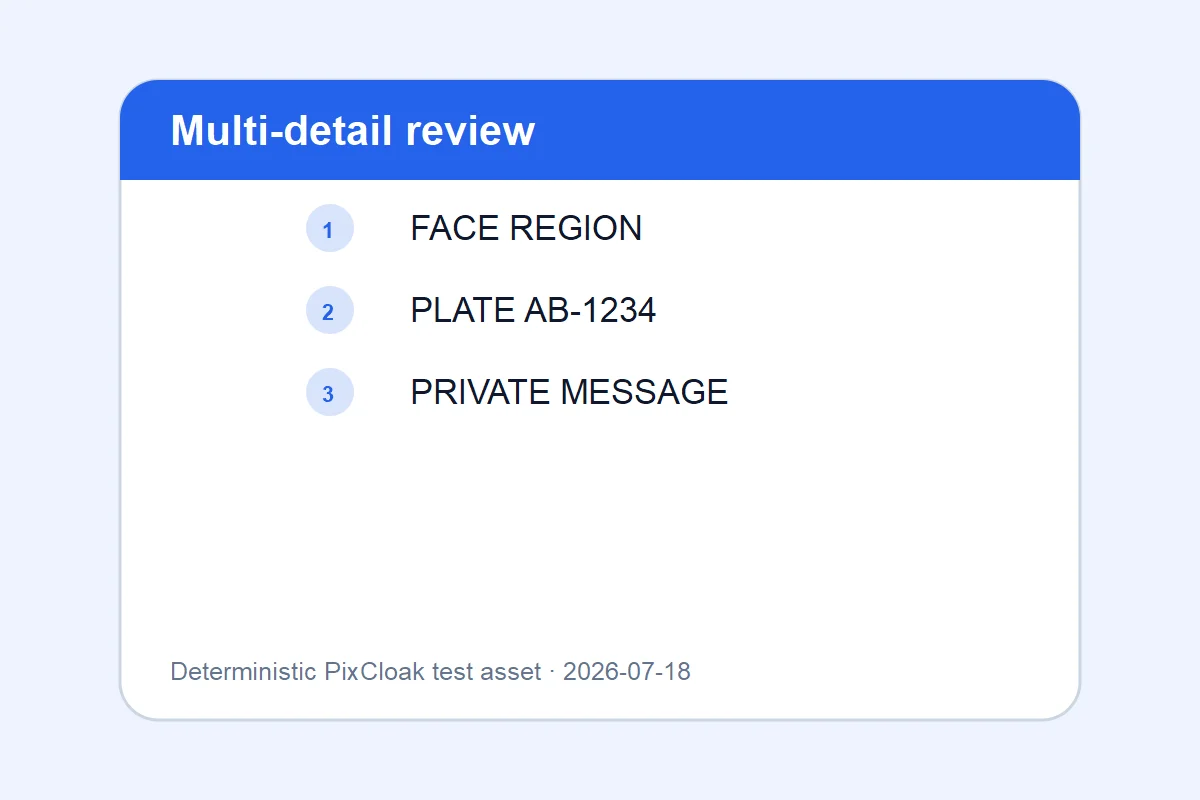
1200×800 · 21.40KB · download file
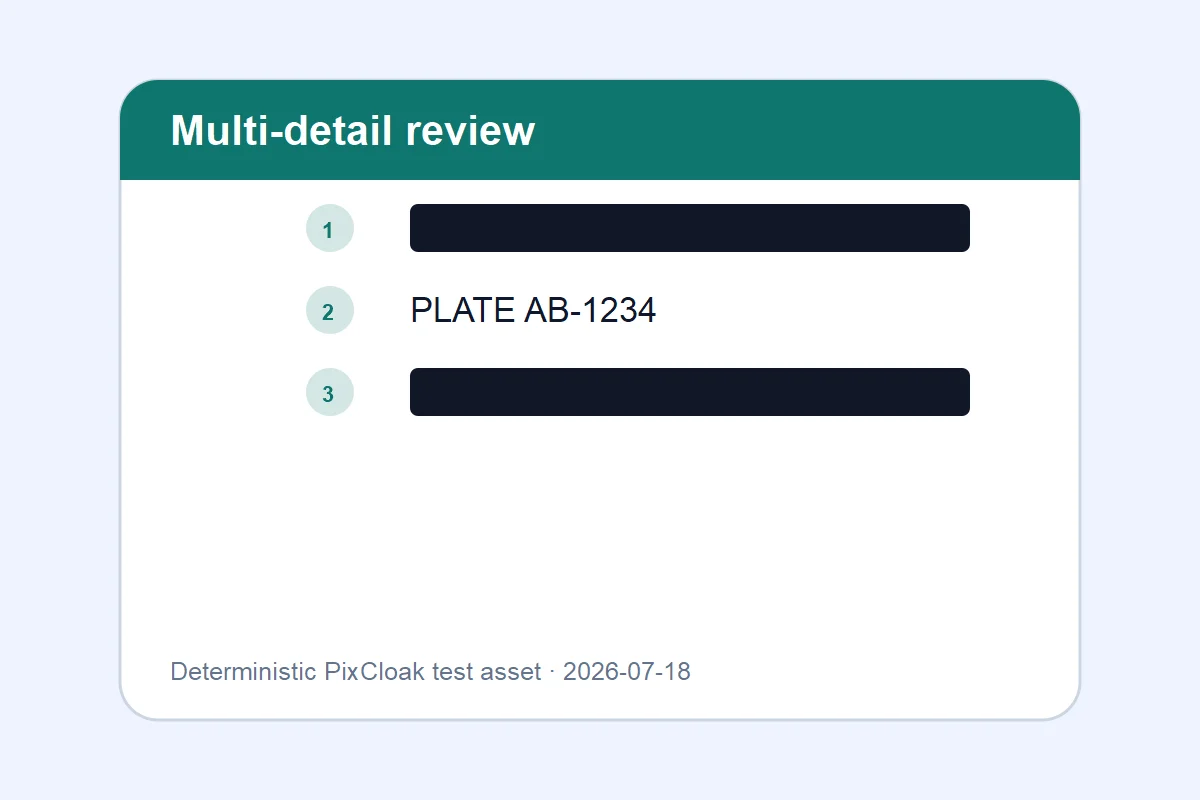
1200×800 · 15.78KB · download file
All three marked regions are replaced with new pixels.
Both downloadable WebP files are generated from deterministic SVG test inputs; their hashes and dimensions are verified.Validation date: 2026-07-18. Both files are downloadable; dimensions, byte counts, decodability, and distinct SHA-256 hashes are checked by the repository test suite.
Use the verified workflow
- Choose one or more images.
- Review every queue item and add its own redaction boxes.
- Export a verified ZIP; retry only failed files.
Limits and failure cases
- Manual review is intentionally required in V1.0.
- Cropped previews can hide details near the original image edge.
Official sources and verification
Tool behavior and samples were checked on 2026-07-18. External references:
Common question
Does PixCloak upload the source image?
No. The editing pipeline uses browser File, Canvas, and Blob APIs on this device. Optional analytics and advertising are separate and load only after the applicable consent choice; product events never include image bytes or filenames.