File Size vs Dimensions vs Format
Understand why bytes, pixel count, image content, format, and encoder quality must be considered together.
Compare formats with one imageDirect answer
Dimensions describe pixel count; file size describes encoded bytes. Format and image complexity determine how efficiently those pixels compress, so two 1920×1080 images can have very different sizes.
This guide's before-and-after files
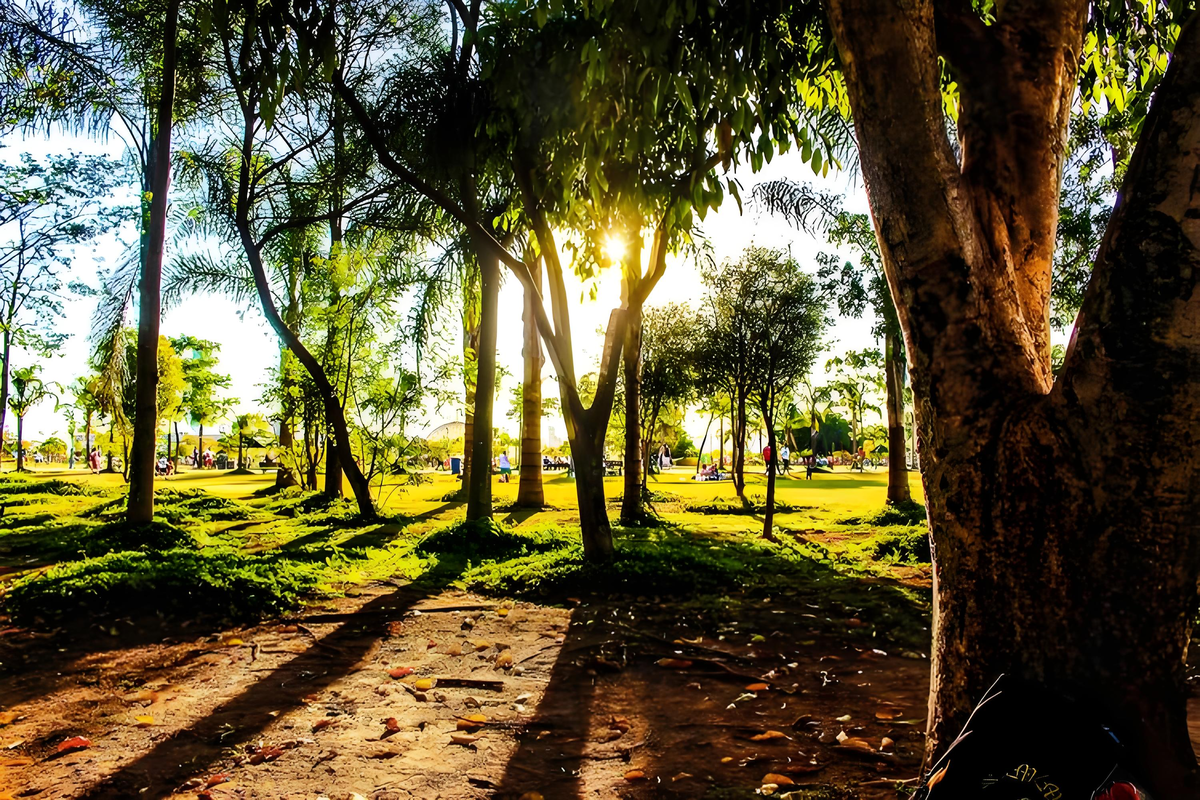
1200×800 · 1.88MB · download file
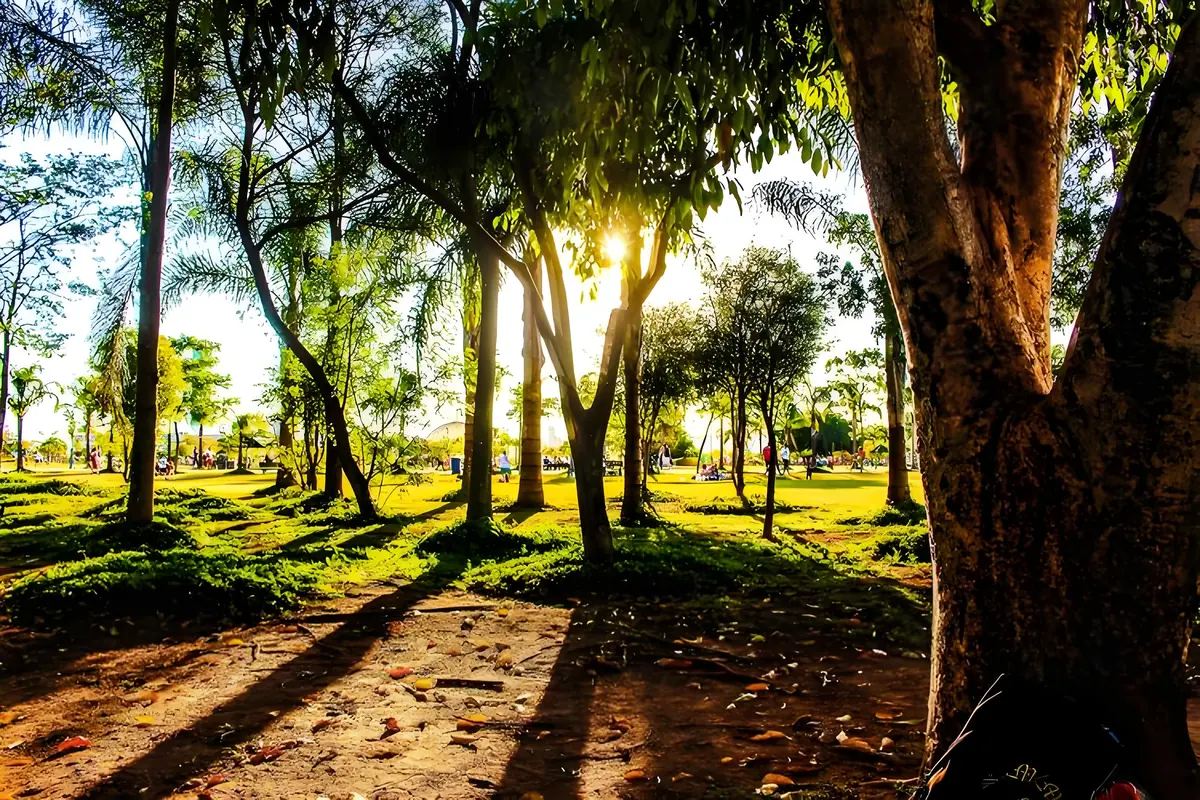
1200×800 · 243.72KB · download file
Dimensions stay 1200×800 while bytes change from 1925.7KB to 243.7KB.
The same decoded pixels are exported as PNG and WebP, then measured and decoded.Validation date: 2026-07-18. Both files are downloadable; dimensions, byte counts, decodability, and distinct SHA-256 hashes are checked by the repository test suite.
Use the verified workflow
- Match required dimensions or longest side.
- Choose JPEG/WebP for photographs and PNG when lossless detail or transparency is essential.
- Apply the byte cap last and inspect the verified result.
Limits and failure cases
- Encoder output varies by browser.
- Converting a low-quality source to a larger format cannot restore lost detail.
Official sources and verification
Tool behavior and samples were checked on 2026-07-18. External references:
Common question
Does PixCloak upload the source image?
No. The editing pipeline uses browser File, Canvas, and Blob APIs on this device. Optional analytics and advertising are separate and load only after the applicable consent choice; product events never include image bytes or filenames.