Blur vs Pixelate vs Solid Redaction
Choose a permanent covering method for faces, plates, IDs, and private text.
Compare all three redaction modesDirect answer
A solid block is the clearest privacy choice. Pixelation and strong blur can be appropriate when context matters, but weak blur or coarse pixelation may leave shapes readable. Always inspect the flattened export at full size.
This guide's before-and-after files
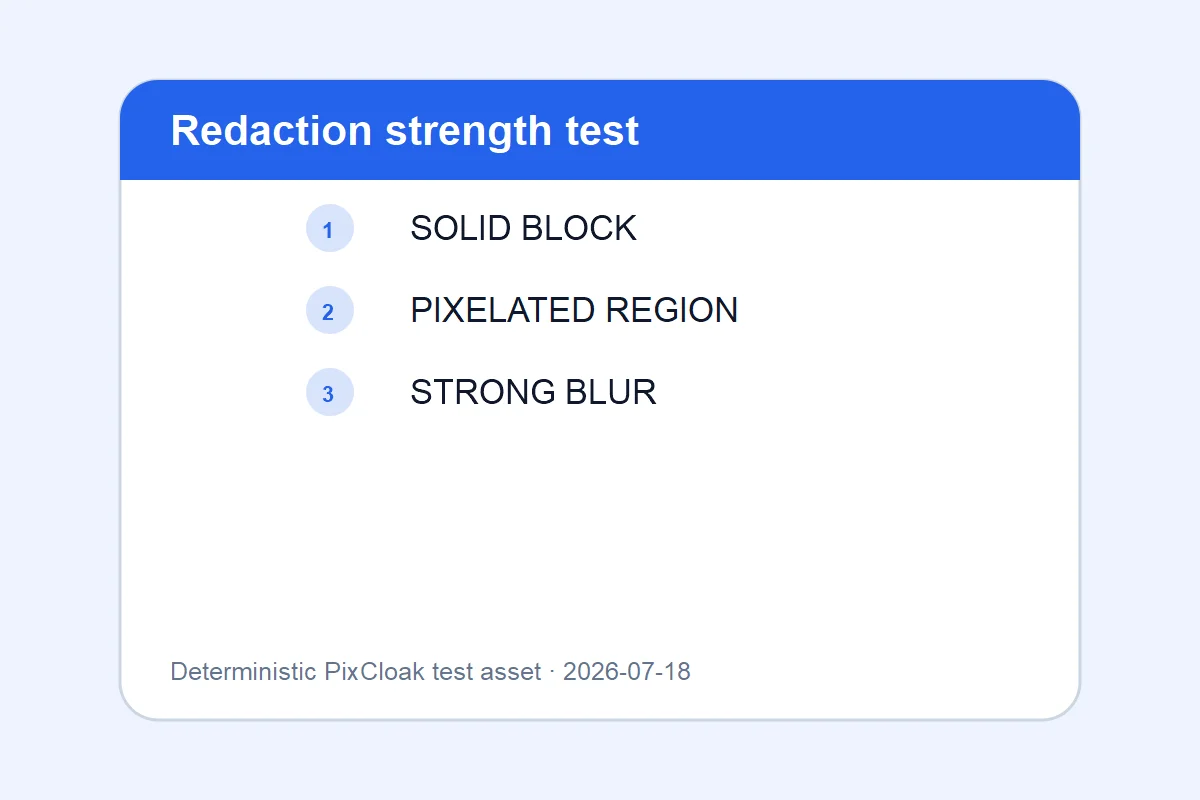
1200×800 · 21.96KB · download file
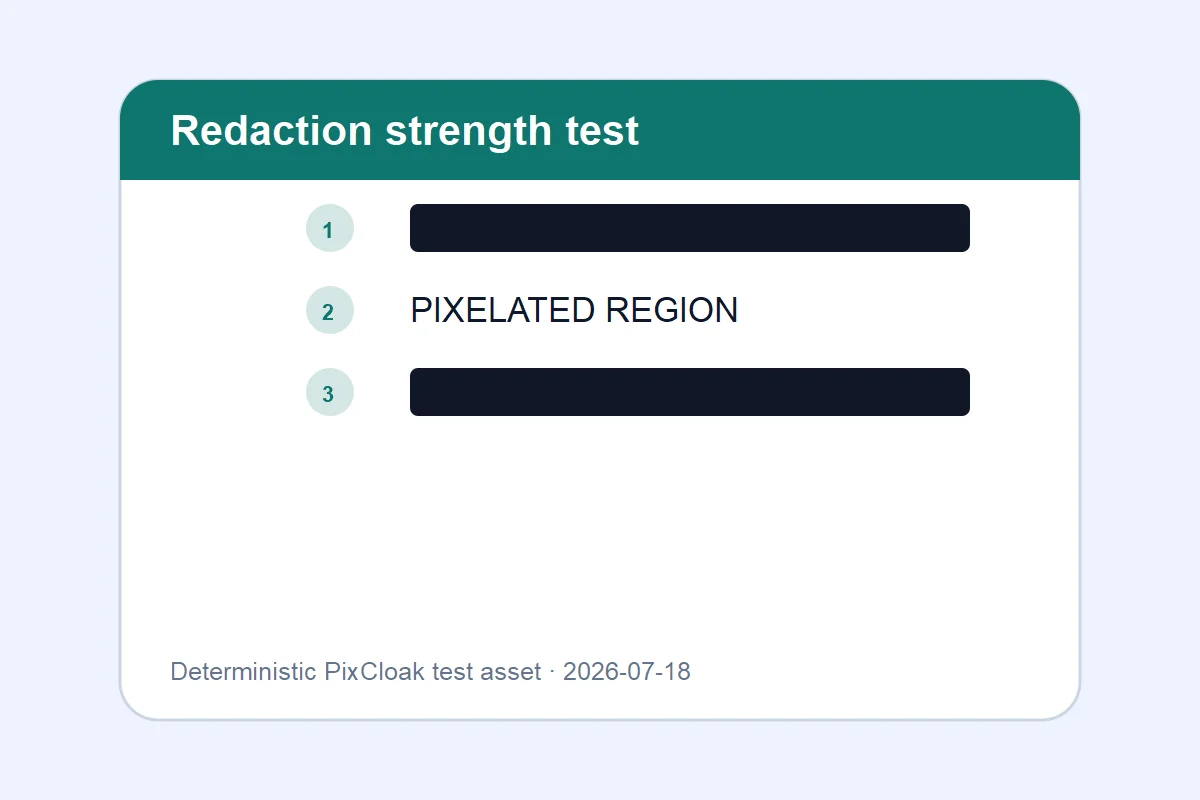
1200×800 · 17.98KB · download file
The result demonstrates three flattened treatments; solid coverage is the conservative option.
Both downloadable WebP files are generated from deterministic SVG test inputs; their hashes and dimensions are verified.Validation date: 2026-07-18. Both files are downloadable; dimensions, byte counts, decodability, and distinct SHA-256 hashes are checked by the repository test suite.
Use the verified workflow
- Select the sensitive region at normal zoom.
- Use solid, strong pixelation, or permanent blur.
- Export, reopen, and inspect the exact downloaded pixels.
Limits and failure cases
- Manual selection can miss small details.
- V1.0 does not automatically detect faces, plates, text, or QR codes.
Official sources and verification
Tool behavior and samples were checked on 2026-07-18. External references:
Common question
Does PixCloak upload the source image?
No. The editing pipeline uses browser File, Canvas, and Blob APIs on this device. Optional analytics and advertising are separate and load only after the applicable consent choice; product events never include image bytes or filenames.